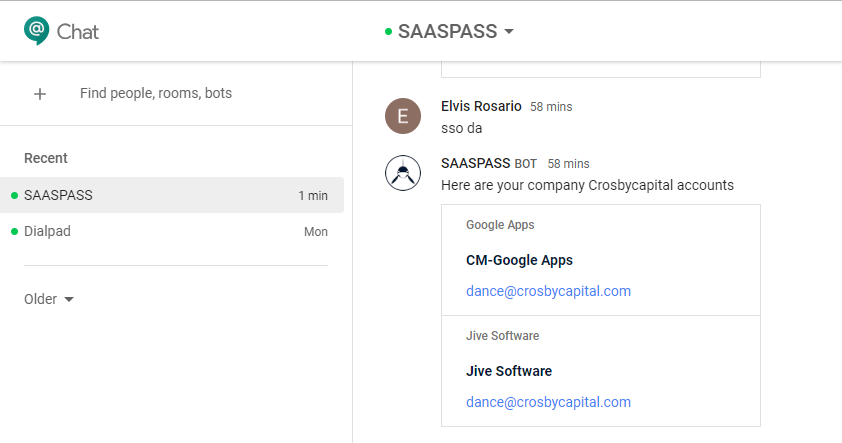
SAASPASS Google Hangouts bot
Your company admin has to enable chat from the G Suite admin portal.
You can now use the SAASPASS Single Sign-On in order to log into their company accounts through the Google's Business Chat/Hangouts from the following link:
chat.google.com
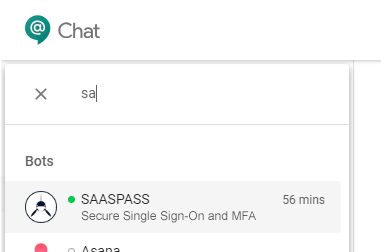
In the search bots filter enter SAASPASS. Click add and the bot and will immediately open a chat window with the SAASPASS bot and begin interacting with it.
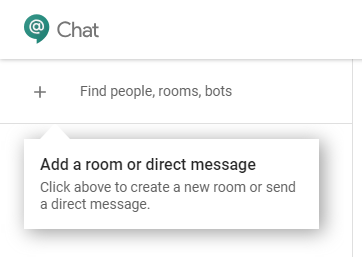
How to use the bot
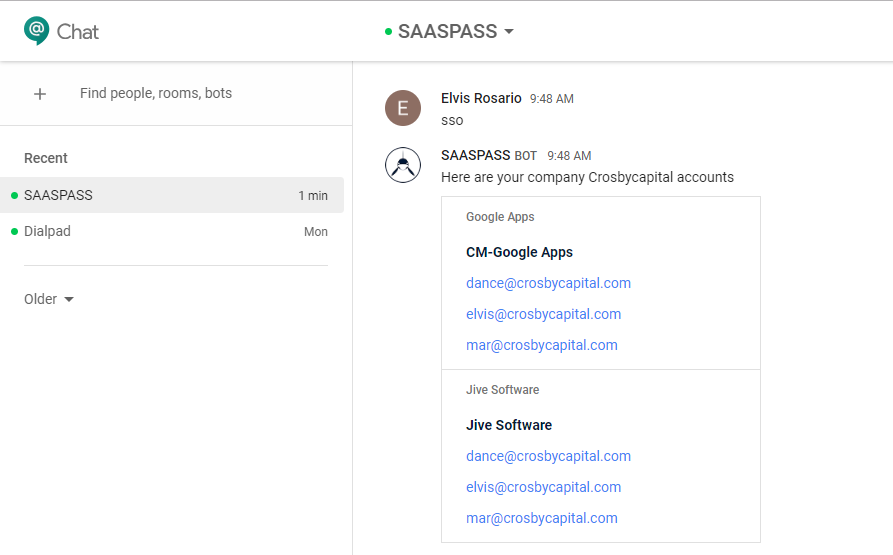
The SAASPASS bot can list all of your company accounts protected with SAASPASS. If your account supports Single Sign-On, just click on it and you will be instantly logged into your account in a new tab.
Type SSO to list your company accounts:
List your accounts filtered for username (or username substring):
sso username